
Telegram Button for Squarespace Websites
Quick answer
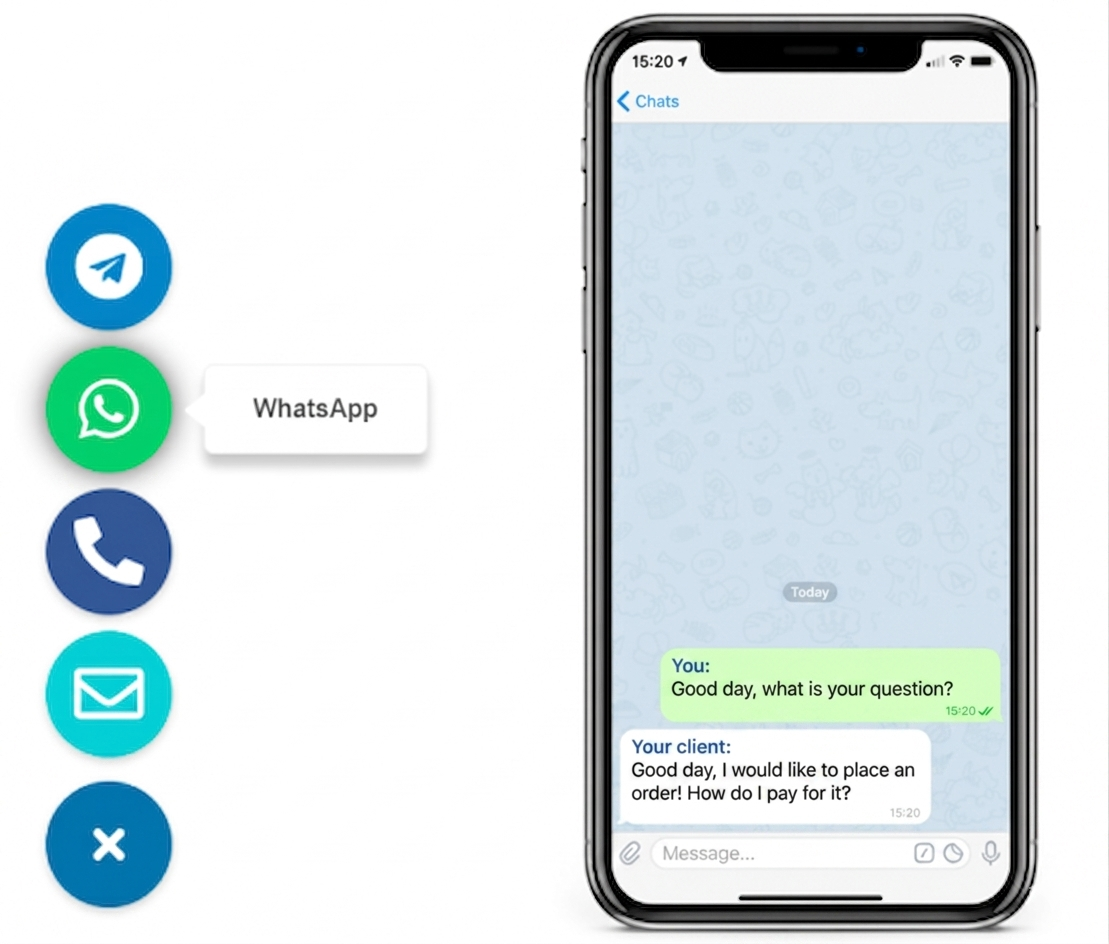
A telegram button for squarespace works best as one lightweight contact button that opens fast, stays visible on mobile and desktop, and does not cover announcement bars, booking buttons, or newsletter popups. For most Squarespace sites, the cleanest setup is a no-code widget or one simple code injection step that keeps the button sitewide without editing every page block.
This fits service businesses, consultants, creators, and small stores that want faster pre-sales or booking questions inside Telegram without turning the page into a cluttered support layer.
Why this matters on Squarespace
How to set up a Telegram button for Squarespace websites
Step 1: define the exact contact use case
Start with one clear job for the button. Telegram works well for short booking questions, service enquiries, pricing checks, availability, or quick product clarifications. It is less useful for long intake forms or complicated support threads.
Step 2: choose one sitewide placement
Squarespace pages already include announcement bars, galleries, forms, scheduling blocks, and newsletter popups. One clear contact button is easier to trust and easier to keep consistent than several different floating actions.
Step 3: add the button through a global setup point
Place the Telegram button in a sitewide location so it appears consistently across the homepage, service pages, landing pages, store pages, and contact sections. That is usually cleaner than inserting separate code blocks page by page.
Step 4: test the button against Squarespace UI elements
Check overlap with mobile menu triggers, cookie banners, announcement bars, booking widgets, product add-to-cart controls, and newsletter prompts. The common failure is not installation. It is a button that covers the exact action you want users to take.
Step 5: keep a fallback for detailed enquiries
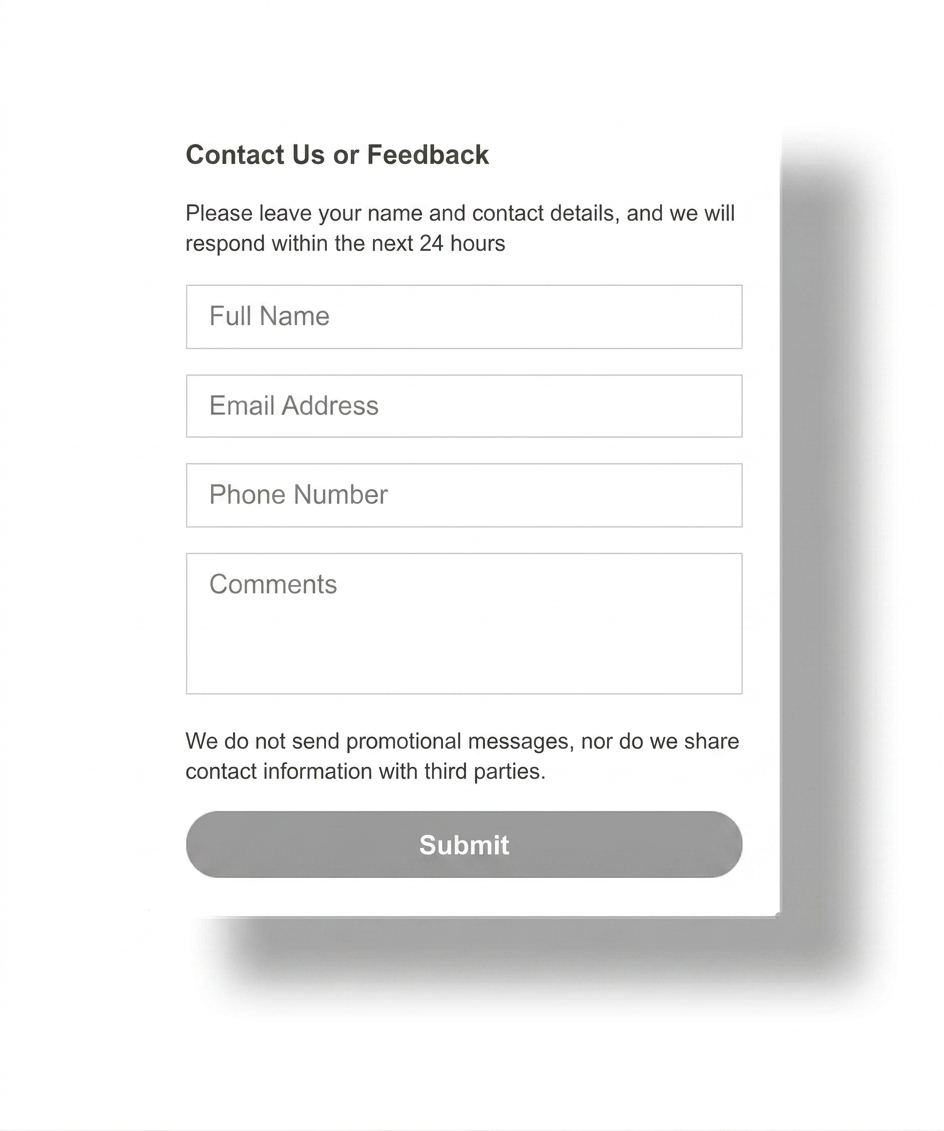
Leave a contact form or enquiry page for longer requests, file uploads, and structured project briefs. A Telegram button should reduce friction for quick questions, not replace every contact path on the site.
Step 6: verify the mobile tap path on real pages
Open the site on a phone, scroll the homepage, open a service page, test a booking page, and tap the Telegram button. If it blocks footer controls or fixed CTAs, adjust spacing before launch.
Platform-specific guidance
- Squarespace: test announcement bars, booking flows, and mobile footer space first.
- WordPress: keep the setup light if you only need one Telegram button.
- Shopify: protect sticky cart and product conversion elements.
- Wix and Webflow: leave enough space around form and hero CTAs.
- Joomla and HTML: keep one sitewide source of truth for the button.
Placement and UX guidance for Squarespace pages
1
Homepage and landing pages
Let the button support quick questions, but do not let it compete with the main offer, email signup, or booking CTA in the first viewport.
2
Service, booking, and store pages
This is where Telegram often helps most. Keep it visible, but never over booking buttons, pricing tables, add-to-cart controls, or sticky mobile UI.
3
Contact and long-form pages
Use Telegram as the fast option, not the only option. Visitors with detailed requests still need a structured form or contact page.
Which Squarespace contact option should you use?
| Decision point | Plain contact form | Telegram button | Heavy live chat layer |
|---|---|---|---|
| Best for | Detailed enquiries, structured briefs, and requests with attachments. | Fast booking, pricing, service, or product questions. | Teams that truly need a broader support workflow on-site. |
| Design impact | Low, but less immediate for visitors. | Low when the button is lightweight and well placed. | Can add more UI, more settings, and more layout friction. |
| Mobile fit | Good when the form is short and readable. | Strong when the audience already uses Telegram on mobile. | Mixed if popups and floating layers crowd the screen. |
| When to prefer it | When the visitor needs to send detailed information. | When one direct conversation can remove hesitation quickly. | Only when your site needs more than a simple contact path. |
Should you use Squarespace code injection or a heavier app-style setup?
Common mistakes
Treating Telegram like the only contact route
Quick questions fit well. Long project briefs, support issues, and structured intake still need a form or dedicated contact page.
Covering Squarespace mobile UI
If the button overlaps announcement bars, booking actions, or mobile navigation, it directly harms the conversion path it should support.
Adding too many floating actions
Visitors should not choose between three chat buttons, a popup, and a booking prompt at the same time. One clear contact entry point is easier to understand.
Skipping tests on real Squarespace pages
A layout that looks clean on a blank page can fail on a store page, gallery, booking flow, or mobile announcement-bar layout.
- Define whether Telegram is for sales questions, bookings, support, or one specific flow.
- Place the button once in a sitewide Squarespace setup point.
- Check overlap with announcement bars, booking widgets, and mobile controls.
- Keep a form or contact page for longer requests.
- Test the full click path on one real phone and one desktop browser.
Frequently asked questions about Squarespace Telegram buttons
What is the best telegram button for squarespace websites?
The best telegram button for squarespace websites is usually one lightweight floating contact button that stays visible, opens quickly, and does not cover newsletter bars, booking widgets, or mobile navigation.
Can I add a Telegram button to Squarespace without coding?
Yes. Most Squarespace sites can use a no-code widget or one simple code injection step instead of editing every page separately.
Will a Squarespace Telegram button work on mobile and desktop?
Yes, if you test both layouts. The button should stay reachable without covering mobile menu triggers, sticky promo bars, or booking CTAs.
Should I use Squarespace code injection, a plugin, or a script for a Telegram button?
If you only need one Telegram contact path, a lightweight script or code injection setup is usually cleaner than adding extra app-style layers.
Is a Telegram button better than a contact form on Squarespace?
Telegram is often better for short sales or booking questions. A contact form stays better for detailed requests, attachments, or structured intake.
Where should I place a Telegram button on a Squarespace website?
The bottom-right corner is the common starting point, but the best position is the one that remains visible without blocking mobile footer bars, cookie banners, or page-level CTAs.
Need a cleaner Telegram button for your Squarespace website?
Launch a lightweight no-code contact button, keep your layout cleaner, and give visitors one faster way to ask before they leave the page.